On 15 November 2026, Communications Minister Fahmi Fadzil said he wants stronger WhatsApp verification in Malaysia. "At the moment, WhatsApp does not require verification of the account," he said, as reported by Malay Mail, pointing to countries that check the identity and phone number linked to a WhatsApp account. The government is looking into it.
No rule has been set. But if you take orders or payments on WhatsApp, the reason this came up is already your problem.
What is WhatsApp verification today?
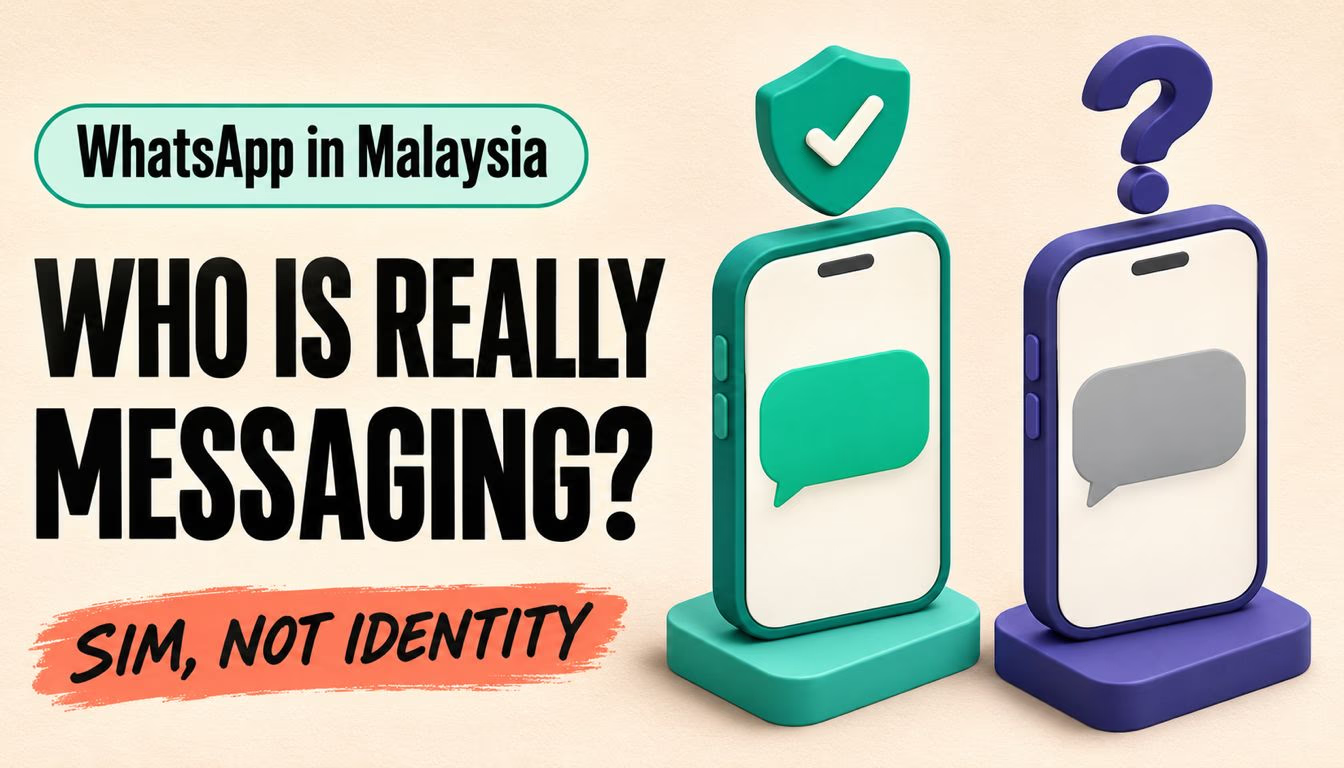
WhatsApp verification is the six-digit verification code WhatsApp sends by SMS or call when you register a number. As SoyaCincau put it, the code confirms access to the number, not who the account holder is.
The minister is asking a different question: who is behind the account?
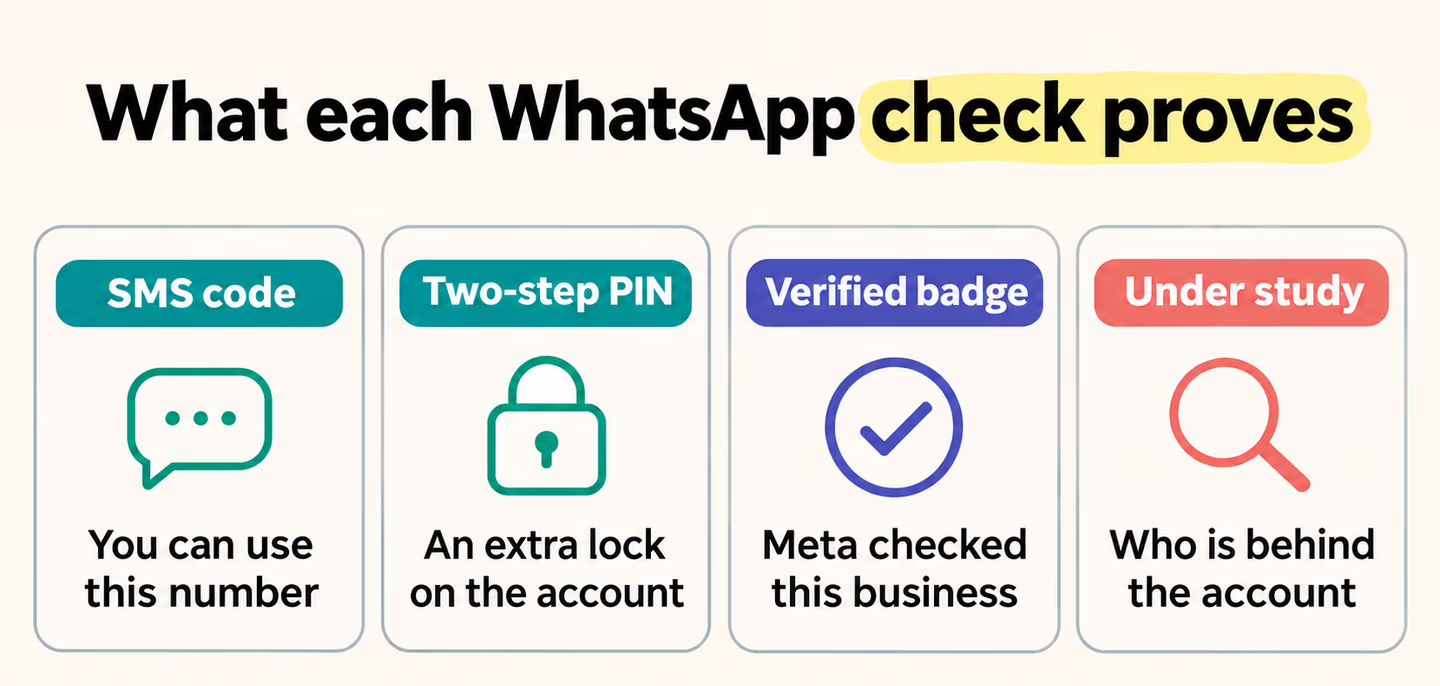 Today's checks prove access to a number or add a lock. Only the idea under study, which is not a rule, asks who is behind the account.
What the minister said, and what he did not
According to Malay Mail, Fahmi said MCMC had blocked spoofed calls and "the scammers have switched to a different method of scamming," including posing as MCMC officers. Police arrested 61 people suspected of links to three scam syndicates in raids in Seri Kembangan, Selangor. One allegedly impersonated MCMC officers; two allegedly ran fake part-time job offers on WhatsApp aimed at victims in Indonesia.
Confirmed: Fahmi said other countries raised the issue at the International Telecommunication Union, and the ministry is looking into it.
Not confirmed: any rule, date or response from Meta, or what "verification" would mean. Lowyat.NET, citing The Star, reads it as closer to the official badges on Facebook and X for businesses and government bodies. That is the outlet's reading. The minister did not say every user would need IC checks.
How WhatsApp verification in Malaysia could affect businesses
A badge system would mostly touch businesses; identity checks would touch everyone. Nobody knows which yet.
Our take: plan around the problem, not a rule that may never arrive. Scammers moved to messaging apps after spoofed calls were blocked, and many customers can't tell your number from a fake one, let alone spot an AI voice scam. As SoyaCincau notes, stronger checks would not stop scammers using properly registered or stolen accounts anyway.
How to get a WhatsApp Business account verified
There is already a paid option. Meta Verified is a subscription inside the WhatsApp Business app: open Settings or Business Tools and tap Meta Verified. Meta's help pages say:
- Paying does not guarantee a verified badge. You may be verified automatically, asked for documents, or not offered verification at all.
- Plans include impersonation protection, where Meta watches for accounts pretending to be you and removes them.
- If you don't see the option, "it's currently not available to you."
Meta lists current prices on its website, and they can change. Worth a look if your shop gets copied often. For most small sellers, the free steps below do more, along with reserving a WhatsApp username that matches your brand.
What to do this week
- Publish one official number. Use the same WhatsApp number on your website, Google Business Profile, Instagram bio and invoices. Customers can only spot a fake if they know the real one.
- Say what you will never do. Add "We only accept payment through this number" to your profile and order confirmations.
- Lock your own account. Turn on two-step verification and, as SoyaCincau advises, check your linked devices.
- Know the script. If an "MCMC officer" calls about cutting your line, hang up. Fahmi said MCMC does not make those calls. Report it to the police or MCMC, and call 997 if money is gone.
If your orders and customer details all live in one chat app, it's worth checking how you keep business accounts secure. Talk to us for an honest read on your setup.
References
- Fahmi wants stronger WhatsApp verification after scammers impersonate MCMC officers, Malay Mail (15 November 2026)
- Ministry studying WhatsApp account verification, Lowyat.NET (16 November 2026)
- Malaysia considers stricter WhatsApp verification, SoyaCincau (15 November 2026)
- About Meta Verified for Business on WhatsApp, WhatsApp Help Center
- About verified business accounts, WhatsApp Help Center
- About impersonation protection for Meta Verified for Business on WhatsApp, WhatsApp Help Center
- About two-step verification, WhatsApp Help Center